What’s New?
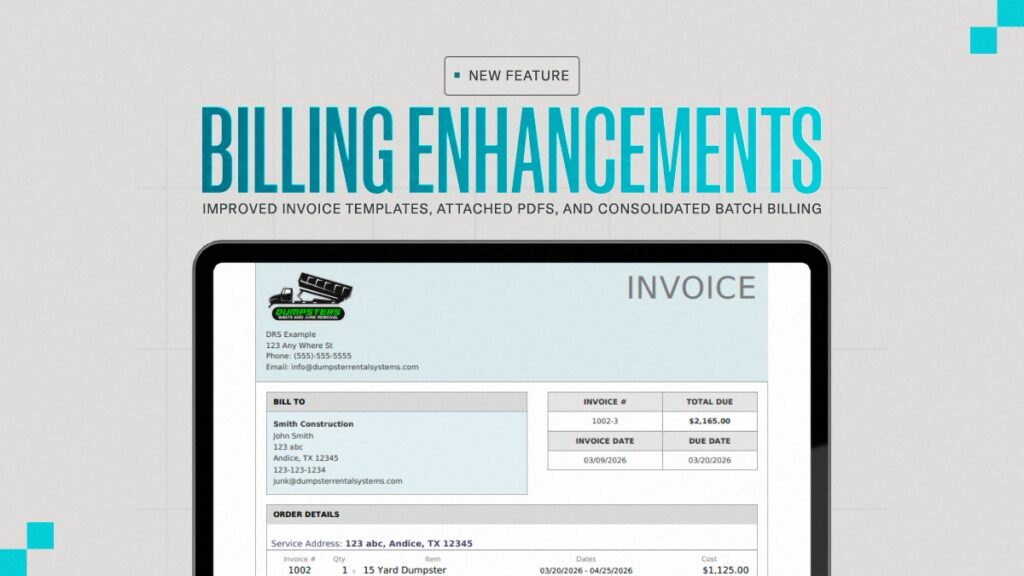
The DRS platform has introduced enhanced billing features with new invoice templates, PDF attachments for invoices emailed through the CRM, and a consolidated invoice format for batch billing.
DRS now gives users more flexibility with new invoice templates, PDF attachments for invoices, and a consolidated format for batch invoices.
This makes invoices clearer, simplifies accounting workflows, and makes it easier for customers to review and pay.
New Feature: Redesigned Invoice Templates
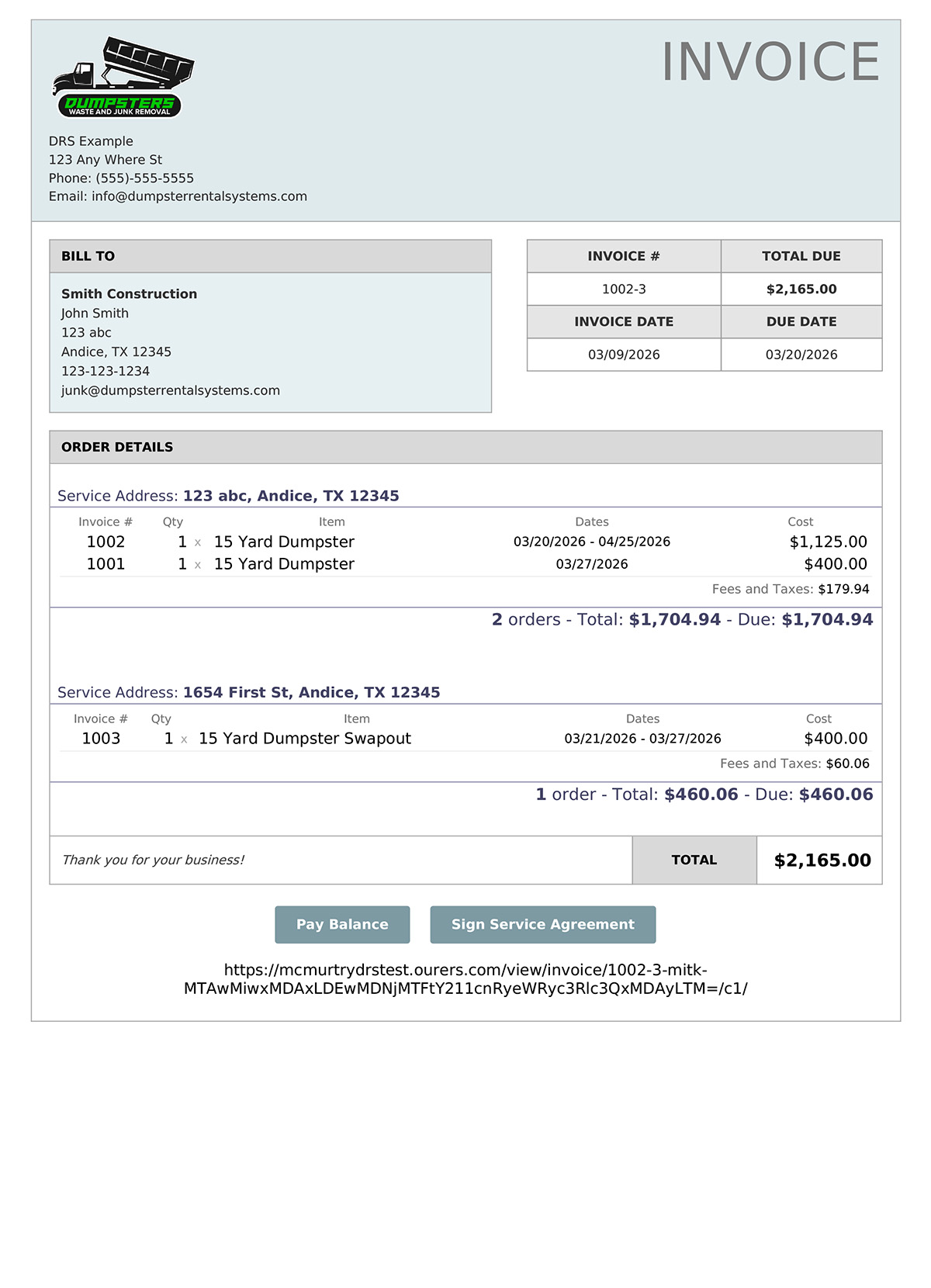
We’ve added three new invoice templates designed to improve readability, organization, and professionalism.
What Has Been Upgraded
Compared to the legacy template, the new templates will present:
A Clear Invoice Summary
- Invoice number, invoice date, due date, and total due appear prominently at the top
- Customer billing details are organized in a dedicated Bill To section
- Key totals and billing details are easier to find instead of being scattered throughout the invoice body
Structured Order Breakdown
- Orders are consolidated and grouped by service address
- Each service address includes its own item breakdown, taxes and fees, and subtotal
- A summary line appears under each address showing the number of orders, total amount, and amount due
Why it Matters
More professional invoices. Clear structure improves customer confidence and reduces billing questions.
Faster invoice review. Customers can quickly see totals and order summaries.
Better for high-volume invoices. These templates are especially useful for businesses sending invoices with many orders or multiple service locations.
Additional Support
Contact your Account Manager or send a message to [email protected] to switch to one of the new templates or to discuss additional invoice customization options.
New Feature: PDFs Attached to Invoices Sent via the CRM
Previously, invoices sent via the CRM only included links to PDF documents.
Now, PDFs are attached directly to the email, making them easier to open, download, and share.
Why it Matters
Improved customer experience. Customers can open invoices immediately without navigating away from the message.
Easier recordkeeping. Attached PDFs are easier for accounting teams to store and reference.
Simpler internal workflows. Teams can more easily download, save, and forward invoices.
Note: Consolidated Format for Batch Invoices must be turned on.
New Feature: Consolidated Format for Batch Invoices
Batch invoices now have a consolidated format designed for customers who receive multiple orders on a single invoice.
What Has Been Upgraded
The new format allows invoices to be summarized by location and grouped into clear sections.
- Orders can be grouped under Service Address
- Under each service address will be a summary line displaying order count and total amounts
Why It Matters
Organized batch invoices. Consolidated sections reduce the visual clutter from redundant design elements and make invoices easier to review.
Faster invoice reconciliation. Clear summaries make it easier to review totals and reconcile charges.
Ideal for corporate billing. Grouping orders by service address is especially useful for contractors and large accounts that serve multiple locations.
Enabling This Feature
Contact your Account Manager or reach out to [email protected] to turn on the consolidated format for batch invoices.
New Feature: Generate Date Range Invoice
The new generate date range invoice option provides a flexible way to generate invoices for any custom billing period.
Why it Matters
DRS users can now combine orders over a chosen period of time into one, neat, invoice.
Enabling this Feature
The new Generate Date Range Invoice option appears in the Billing area alongside the existing monthly invoice tools. From there, simply select a Start Date and End Date.
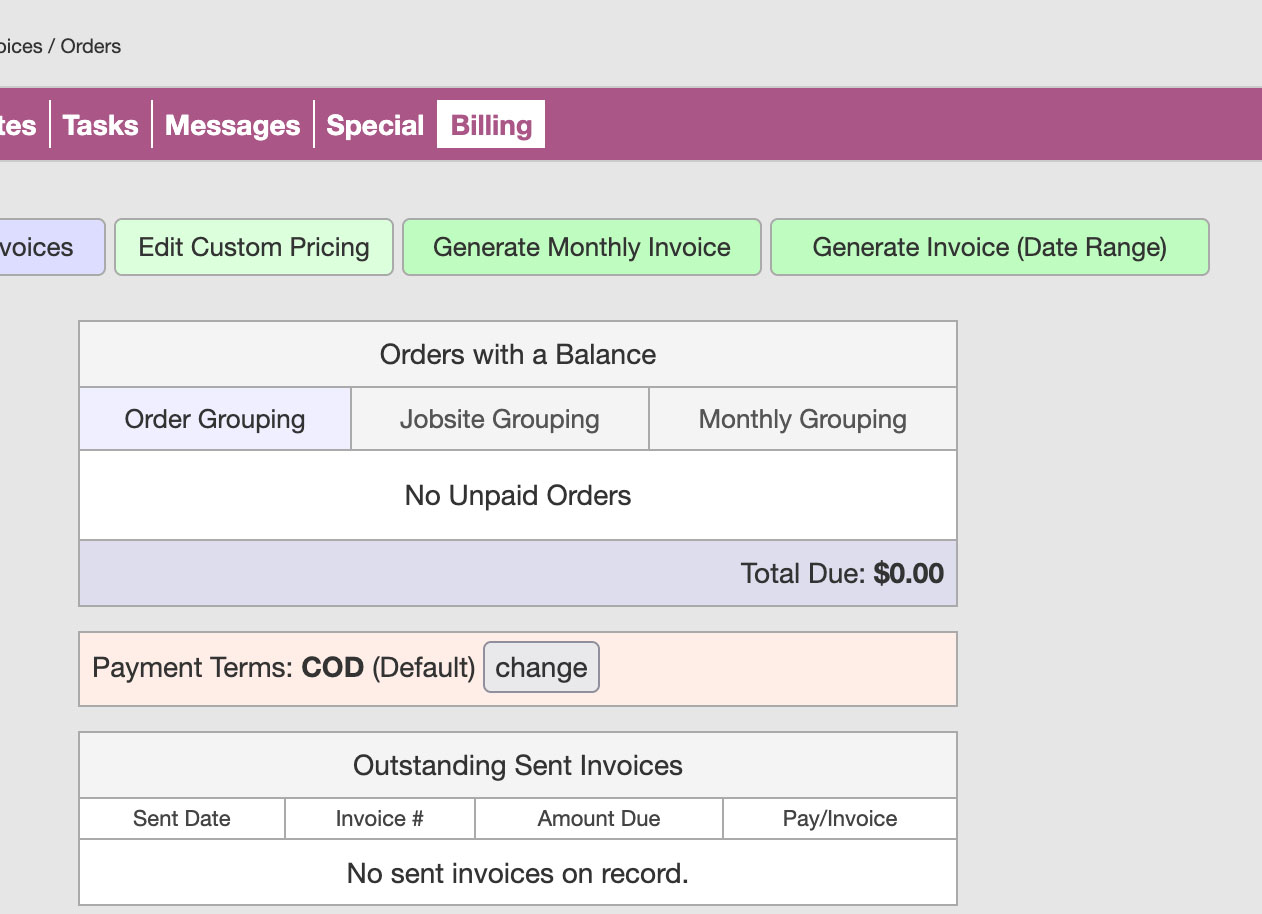
Once both dates are chosen, the system shows a preview including:
- Number of orders in that range
- Total invoiced amount
After reviewing the summary, click Create Invoice to generate the invoice using the same format as your existing combined invoices. If no orders exist for that range, the system will display zero results and prevent invoice creation.
Use Cases for the New DRS Billing Features
Contractor Billing
Designed for construction customers receiving invoices for multiple dumpsters or swap-outs across several job sites.
Multi-Location Job Management
Orders grouped by service address create a clearer billing format for contractors managing work across multiple locations.
Accounting-Friendly Format
Summarized invoice sections make it easier to match charges to job costs.
Key Takeaway
These billing enhancements improve invoice clarity and day-to-day billing efficiency by introducing modern invoice templates, adding PDF attachments for invoices, and providing consolidated summaries for batch invoices.
The results are more professional invoices, easier customer review, and simplified accounting workflows for DRS businesses.